

API Keys
Generate keys to drive Speechify Voice Agents programmatically — and when you don’t need to
Most teams use Speechify Voice Agents entirely through the dashboard and never create an API key. You only need one to drive Voice Agents from your own code — creating agents, placing calls, or fetching transcripts via the underlying Speechify API.
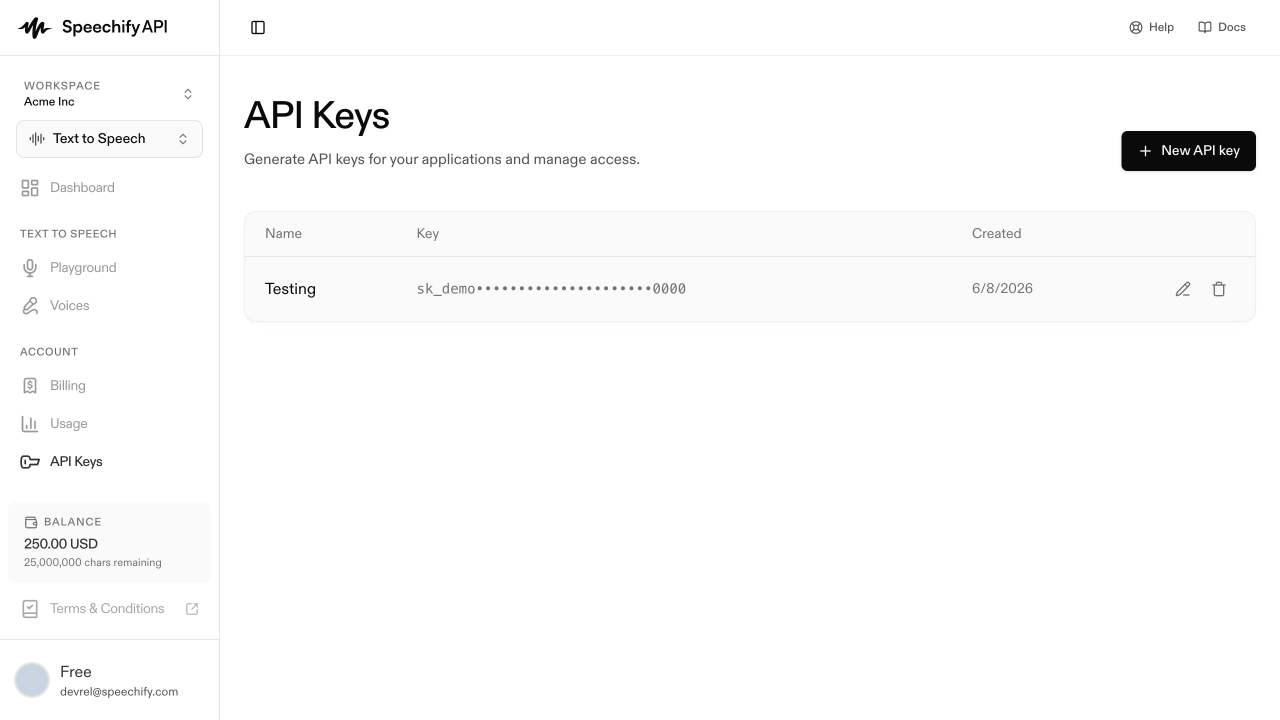
Create a key
Losing an API key means deleting it and creating a new one. Save the plaintext somewhere safe (1Password, AWS Secrets Manager, your team’s secret store) before closing the dialog.
List existing keys
The page lists every key in the workspace by label, creation date, and a masked display string (ABCD••••EFGH). The masked string is not a usable bearer token — only the plaintext shown at creation is.
Revoke a key
Delete a key from its row. Revocation is immediate; existing requests using that key start returning 401 within seconds.
What the keys unlock
API keys authenticate against the Speechify API beneath Voice Agents. The first programmatic surface we expose is batch calling — see Batch calls for endpoints, request shapes, and example curl calls. For anything beyond that, contact the Speechify team — we’re gradually exposing more endpoints based on customer demand.