

Outbound calls
There are two ways to place outbound calls: one-off test calls from an agent’s detail page, and batch campaigns from the Batch calls section.
One-off test call
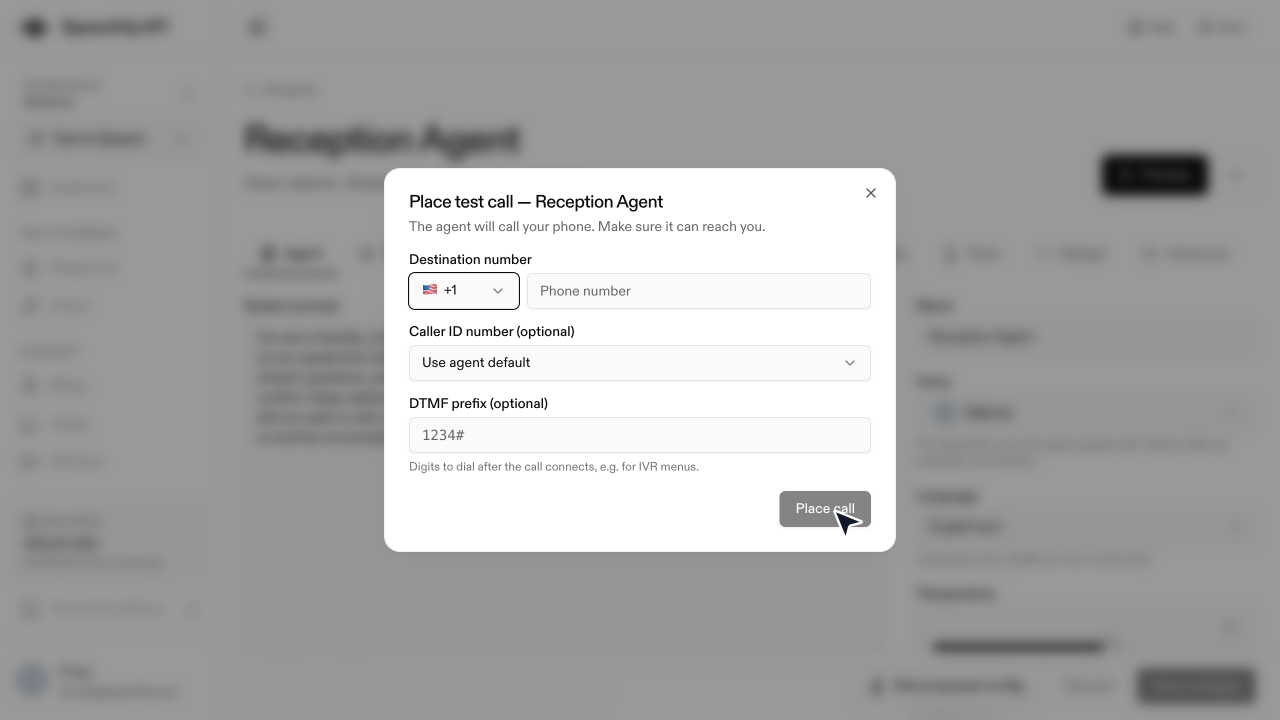
The agent dials, the recipient answers, and the conversation begins. The transcript appears in Conversations as soon as the call ends. This path is for testing — for real volume, use batch calls.
Batch calls
Upload a CSV of numbers and let the agent dial through them. See Batch calls for the full walkthrough.
Caller ID
The number the recipient sees is the Caller-ID number you pick (on the test-call dialog or in the New batch dialog). The default is the number the agent is bound to.
Outbound calling is regulated. Make sure you have consent from the people you dial — most jurisdictions require it for non-emergency automated calls. Speechify does not check this for you.