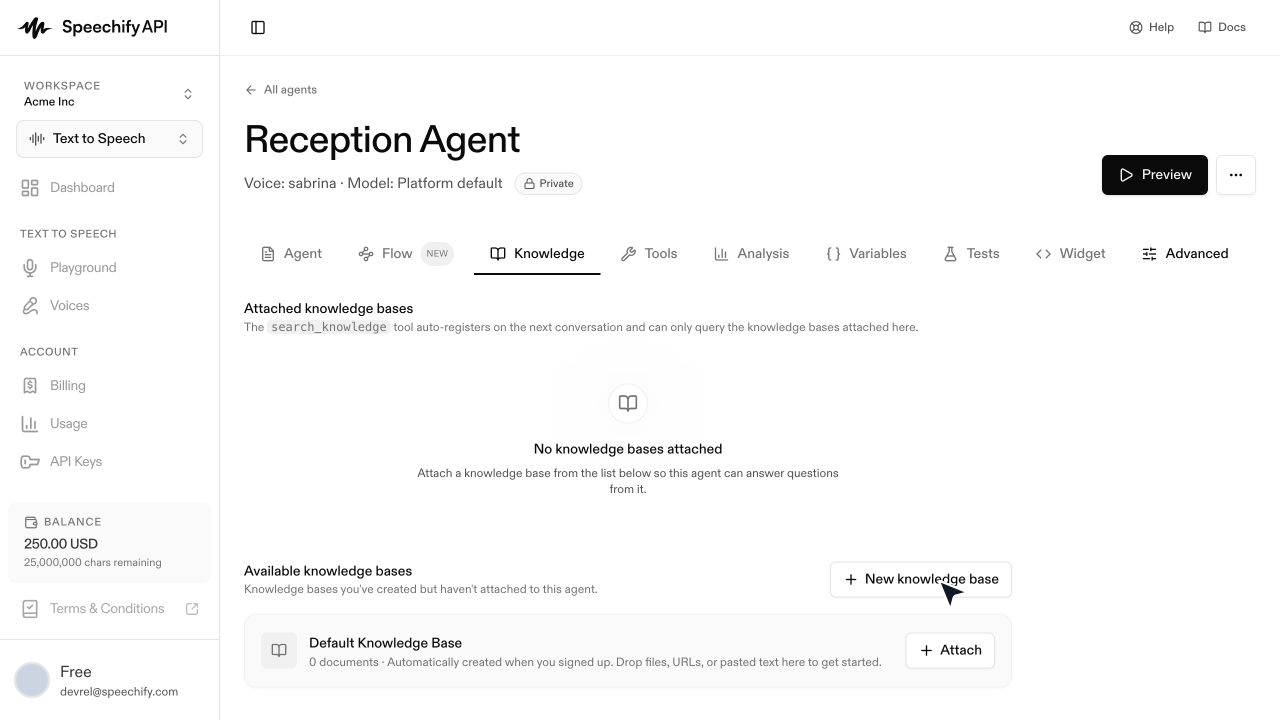
Create a knowledge base
Create a knowledge base, add content, and attach it to an agent
For how retrieval works, see Knowledge bases.
Add content
Populate it by uploading documents, importing from a URL, or organizing into folders. Each document reports a status:
Search via the API
Run semantic search directly — handy for grounded-snippet UIs, or for checking what the agent would retrieve.
Each hit includes the source filename, the chunk, and a cosine-similarity score. Scores are relative — use them for ranking, not as an absolute confidence metric.
From the dashboard
On an agent’s Knowledge tab, click + New knowledge base (or attach one you already built). Attached knowledge bases are live on the very next call — no rebuild step.