

Conversations
Every call your agents have handled, with full transcript and per-call metadata
The Conversations page lists every call any agent in your workspace has handled. Each row shows the start time, agent, transport (Web, phone, etc.), duration, message count, and call status.
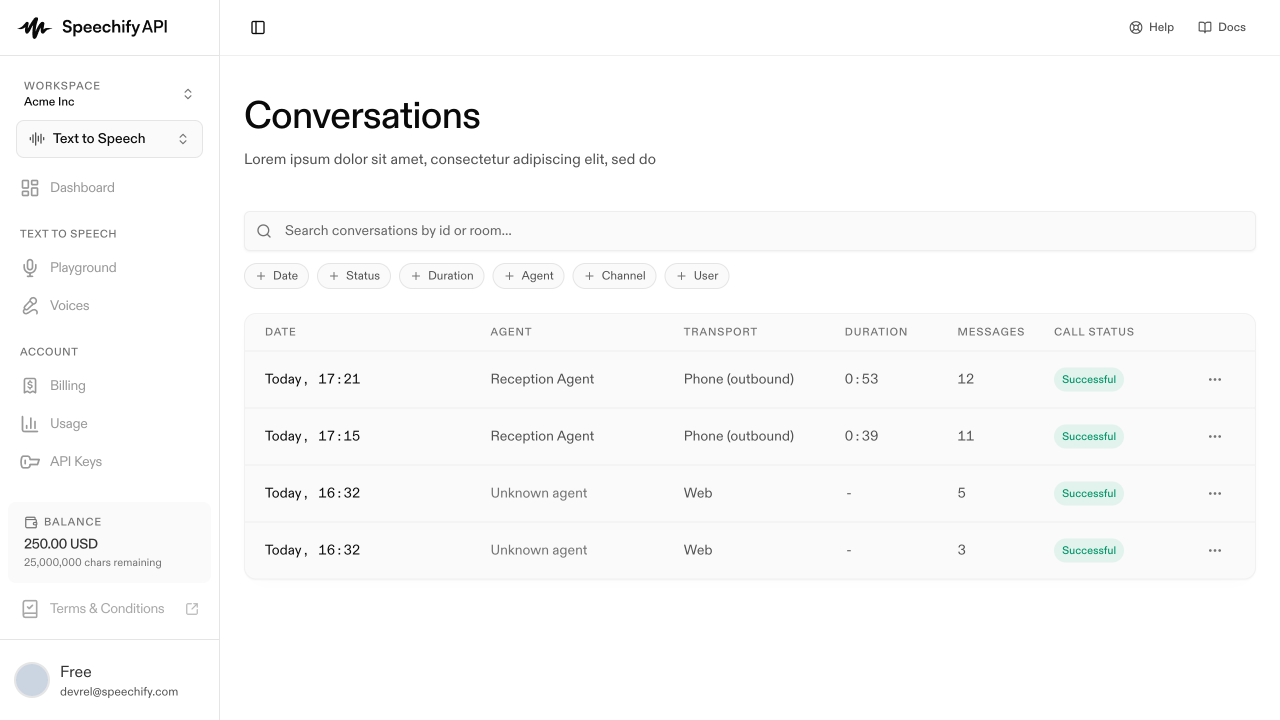
Click a row to open the conversation detail page with the full transcript and metadata. See Read a transcript for the detail view.
Filter the list
The filter bar across the top supports:
- Date — last 24 hours, last 7 days, or a custom range.
- Status — Completed, Active, Pending, Failed.
- Duration — narrow to long or short calls.
- Agent — narrow to one agent.
- Channel — Web (widget) vs phone.
- User — filter by the caller / end user.
A search box above the chips finds conversations by ID or room name.
Via the API
List every conversation in the workspace, or fetch one by ID. Results are scoped to your workspace and cursor-paginated.
Fetch a single conversation’s metadata by ID:
Retention
Transcripts are retained for the lifetime of your workspace. Deleting a conversation removes it permanently.